viernes, 26 de septiembre de 2014

Stories inside the classroom

Some weeks ago, I came across with Storybird (https://storybird.com/), an incredible webpage that lets us create art-inspired stories that we can share, read and print. This webpage allows not only teachers but also students to make different kind of stories. What I really like about Storybird is that it encourages creativity. 

I embed a tutorial, just in case you want to learn how to use Storybird (I truly recommend it!)


Teachers can benefit from this webpage as it can help them to assess students' reading skills (there are many stories that can be read) and writing skills (students can create their own stories.) If I wanted to use Storybird in my lessons, I would work with a specific topic and ask students to write a short story about it. Of course, they  would first have to write down their ideas, then produce a draft, and lastly write the final version that would be written in Storybird. Once all students have created their own stories, I would print them so as to create a mini library inside the classroom; students would be able to take the short stories to their homes, and we would have books so as to work with them whenever necessary. 


How would you use this wonderful tool?


lunes, 1 de septiembre de 2014

Social media in the classroom


I came across with the following websites:

Both of them provide tips as regards how to use social media in the classroom. I'm posting them as sometimes it can be quite difficult or we may feel lost when planning how to work with this new technology. Kathy Cook (Director of Educational Technology for the Universtity of Phoenix) states that students are using these technologies in their personal lives, so it makes sense to leverage them for teaching and learning. We are constantly talking about connecting student's outside world with what happens inside the classroom, why don't we start with social media that really catches students' attention? 

While I was doing my practices, I worked with a very well-known webpage, couchsurfing (https://www.couchsurfing.org/). At the end of the project they had to create their own profile in the webpage; during the process they were so engaged that they really put a lot of effort so as to learn the many grammatical contents that I presented to them, but because they indeed were expecting to complete the final task. Moreover, some of them said that it was the first time they worked with something so original. 

Working with social media inside the classroon it's not so easy as we have to plan the lessons very carefully, it's time consuming, and we need certain items like computers, beamer (if you want to show them something from your own computer), internet connection, etc. However, it's not impossible and it is really worth it. We should try to include students' interests in our lesson plans so as to motivate them and at the same time in order to show that English lessons go beyond the student's book.

In the above webpages you can find very interesting suggestions...hope you find them useful! I worked, as I said before, with couchsurfing...what would you work with?


domingo, 31 de agosto de 2014

Word clouds

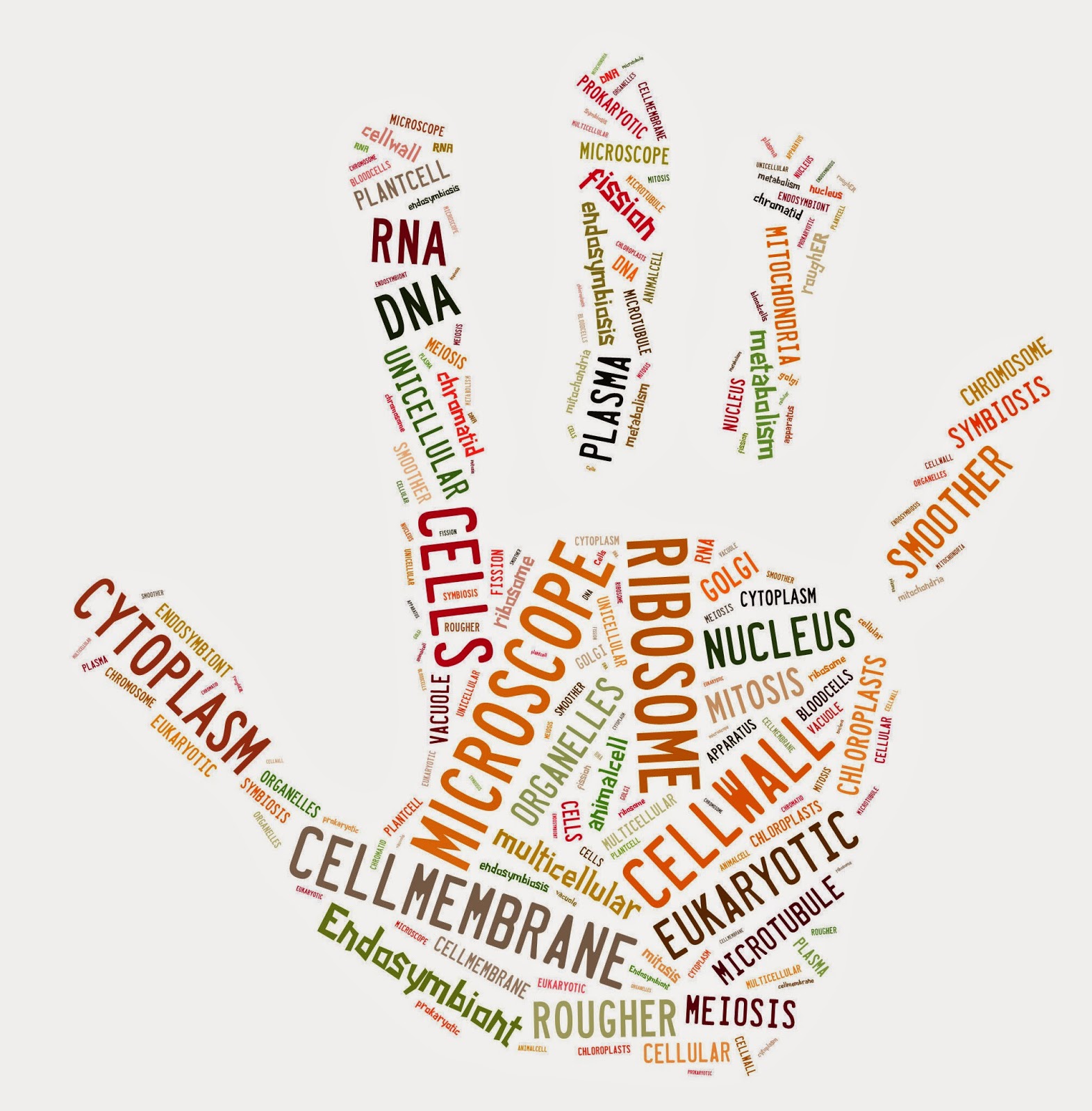
Let's welcome Wordle (www.wordle.net) and Tagxedo (www.tagxedo.com). These two webpages help us to create word clouds. Maybe if you read the term you may think you don't know what it is, but if I show you some examples, you might change your opinion:


They're great, aren't they? If I were to present this tool to my students, I would do it at the end of the year and I would ask them to create a word cloud so as to express what they learnt all troughout the year and how they felt in the English lessons. First, they would have to write a short text with their opinions, feelings, ideas, etc. and then they would have to use Wordle or Tagxedo in order to make a word cloud. I would employ it in that way, what about you?

Voki

I want to present a really interesting and funny tool: VOKI (www.voki.com) Voki is a free service in which you can create speaking avatars. 

This instrument can be truly useful inside the classroom as students will be motivated as they can create their own characters, change their appearance and even make them speak with different voices. I think we can employ this tool when working with vocabulary, for instance. Students can be given words and asked to create Vokis so as to present the new terms to the rest of the class; it is funny and much more engaging than working with dictionaries.

I embed the official Voki tutorial just in case you want to try it (I definitely recommend it!)


lunes, 25 de agosto de 2014

The selfie phenomenon


Day after day we can find this selfie phenomenon in different social networks such as, Instagram, Facebook, Twitter and Tumblr, among others. But... do you know what a salfie is? Fortunately, the Oxford Dictionary has provided a very clear definition for this term:


A selfie is a photograph that one has taken of oneself, typically one taken with a smartphone or webcam and shared via social media (Oxford Dictionary) 

Although this event is quite new and innovative, it is considered a very useful tool when teaching as students are constantly taking selfies and we can take advantage of this inside the classroom. These self- representations can be used for many different activities, as Jill Walker Rettberg did with her students from the University of Bergen "...I asked students to discuss what our selfies, taken together, would tell a future historian about what everyday life was like in 2014..." Let's read Jill's experience and let's start working and planning so as to introduce selfies in our lessons and make students feel motivated with this engaging and fashionable instrument. http://jilltxt.net/?p=4039

lunes, 19 de mayo de 2014

Are educational websites always useful?


Finding educational websties can be a real challenge! We must consider and apply certain criteria when choosing a webpage as a tool for teaching as many of them offer the same activities or exercises  we can find anywhere, are not so appropriate for students or just are not so neat and clear and instead of helping teaching they may complicate the lesson. Everytime we are in front of an educational website, we must pay attention to the following criteria:
  • Purpose- What is the purpose of the webpage?
  • Authority- Who is the author/s? Does the author have enough authority so as to speak about the subject?
  • Objectivity- Does the content or the author reflect any bias?
  • Appropriateness & Relevance- Is the content and the level appropriate and accurate?
  • Currency- Is the information on the website up-to-date?
  • Responsibility- Are the authors up-front about their purposes and contents?
  • Clarity- Is the information, texts and graphics clearly presented and legible?
  • Accessibility- Can you get in? Does the website load quickly? 
So...next time...


lunes, 12 de mayo de 2014

Shall we become digital native teachers?


Although most of us are Digital Immigrants as we were educated without laptops, smart phones and internet, current students are Digital Natives that employ these kinds of devices in their everyday lives. And, despite the fact it could be really hard to incorporate technology and new methodologies into classrooms because we are not used to that, we must try and put a lot of effort so as to do it. Children nowadays have radically changed from those of the past, so we must empower and accompany them in this new technological era; many times we keep on using the so well-known course book because we feel safe and we think it contains everything we need, but at the same time we appreciate students'  boredom and unmotivation. So, what shall we do? Shall we keep on being digital immigrant teachers or shall we become digital native teachers? Shall we try to teach with digital native technologies? All these questions are asked by teachers when reflecting and thinking about the use of technology in classrooms. As I said before, it is not easy and it becomes a great challenge for teacher as we need to design and put into practice new digital methodologies and ask our students for guidance. It can be hard, but if we can appreciate its benfits, we will embrace this new way of learning & teaching. According to Prensky (2001) Smart adult immigrants accept that don't know abut their new world and take advantage of their kids to help them learn and integrate...; so, as I previously mentioned, it can be hard but we can learn how to be digital native teachers, but we must reconsider not only our lesson plans but also our methodologies and contents. 

Source: Prensky, M. (2001) Digital Natives, Digital Immigrants